Back to Demos
21/54
CSR Builder / Viewer
Learn what Certificate Signing Requests contain and how to create them
Step 0 of 8
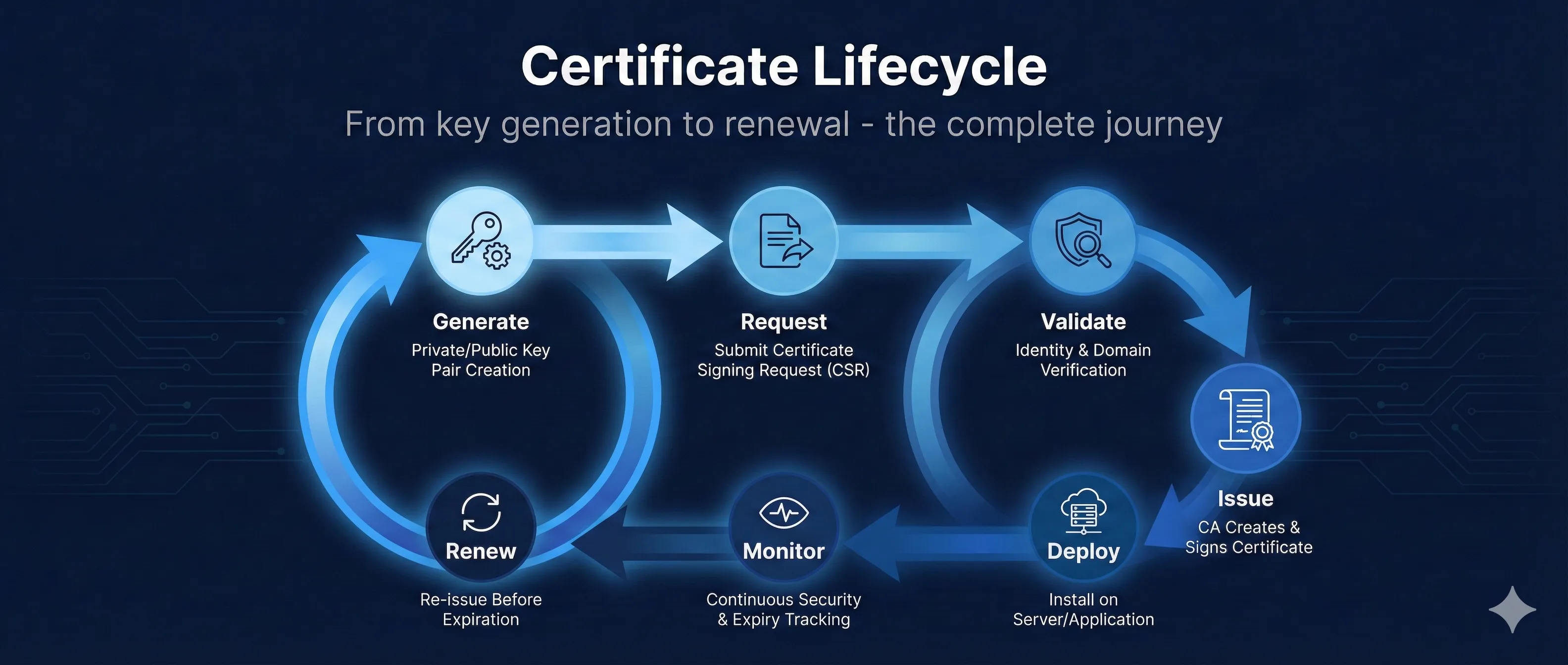
What is a CSR - the request lifecycle
What is a CSR?
Your Server
Generate Key Pair
Create CSR
Send to CA
CA Returns Cert
Generate Key Pair
Private Key (KEEP SECRET!) stays on your server
Create CSR
Contains: Public Key + Identity Info + Your Signature
Send to CA
CA verifies your identity (domain ownership, org details)
CA Returns Certificate
Your Public Key + CA's Signature + Validity Period
Key Insight:A CSR is a formal request saying "Here's my public key and who I am - please sign this and give me a certificate." The CA never sees your private key.
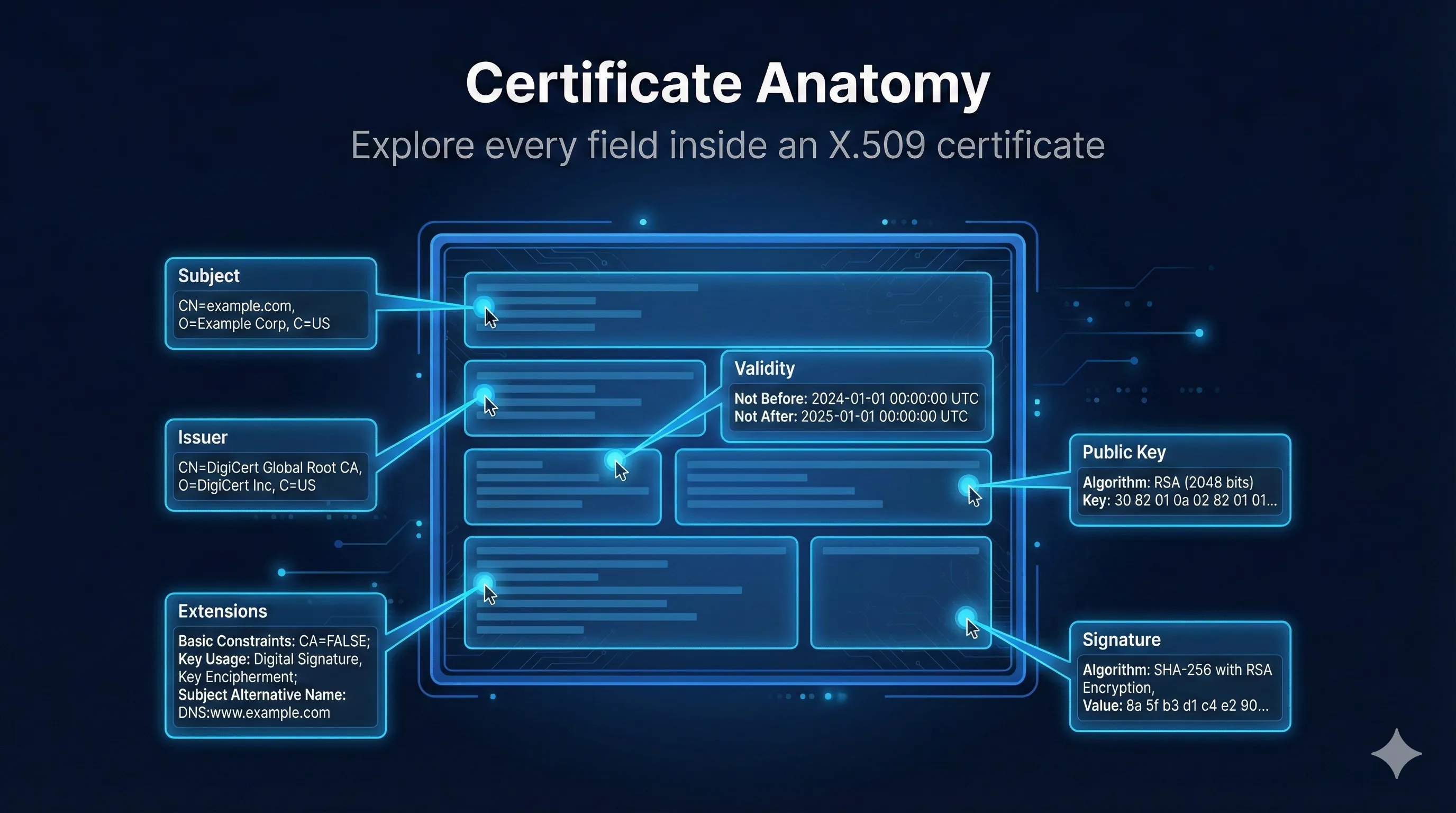
CSR AnatomyClick any field to learn more
Certificate Request:
Version: 1 (0x0)
Subject:
Common Name (CN):www.example.com
Organization (O):Example Corp
Organizational Unit (OU):IT Department
Locality (L):San Francisco
State (ST):California
Country (C):US
Subject Public Key Info:
Algorithm:RSA (2048 bit)
Modulus: 00:c1:4b:b3:49:52:...
Exponent: 65537 (0x10001)
Attributes:
Subject Alternative Name:
DNS: www.example.com
DNS: example.com
DNS: *.example.com
Signature Algorithm:sha256WithRSAEncryption
Signature: 7f:3a:9b:2e:...
Click any field on the left to see details
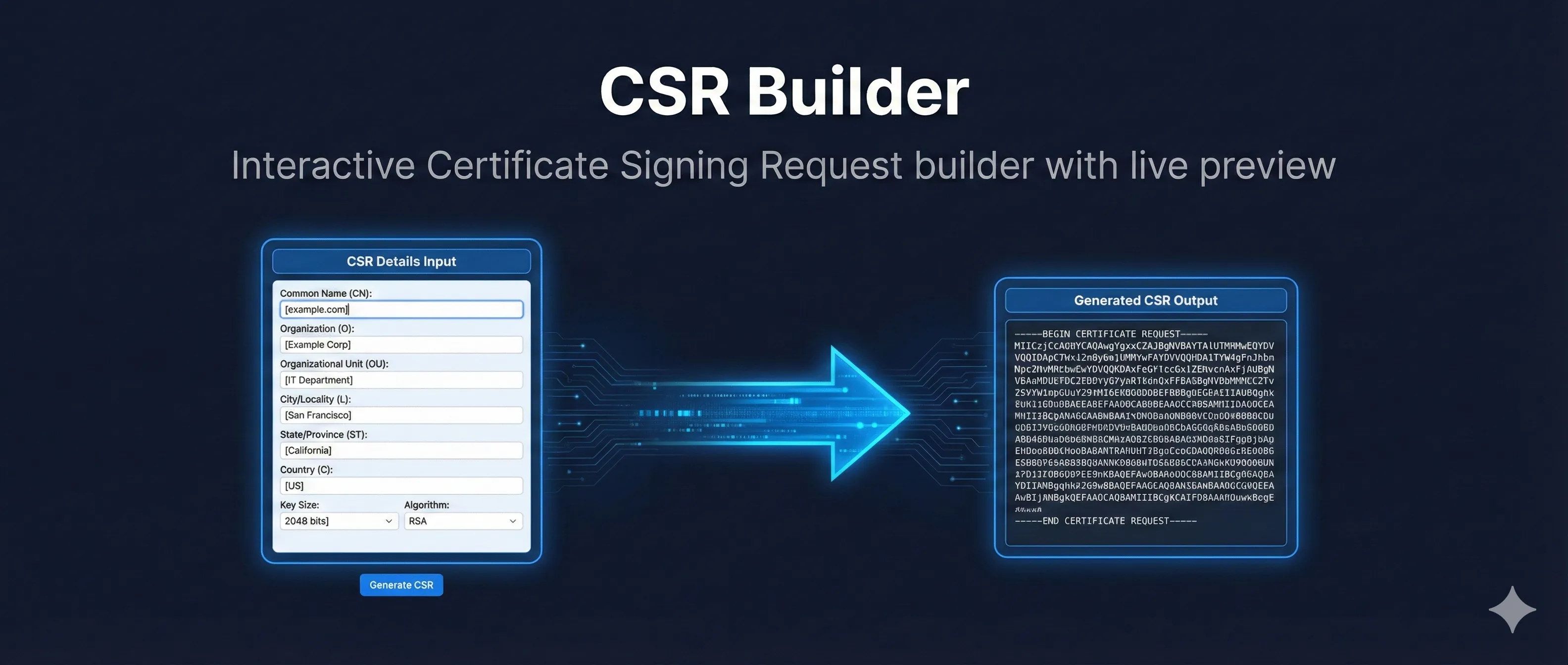
Interactive CSR Builder
example.com*.example.com
Generated OpenSSL Command:
openssl req -new -newkey rsa:2048 -nodes \
  -keyout example.com.key \
  -out example.com.csr \
  -subj "/C=US/ST=California/L=San Francisco/O=Example Corp/CN=www.example.com" \
  -addext "subjectAltName=DNS:www.example.com,DNS:example.com,DNS:*.example.com"
Important
Run this command on YOUR server so the private key stays there. Never share the .key file!
Alternative (generate key first):
# Generate key first
openssl genrsa -out example.com.key 2048

# Then create CSR
openssl req -new -key example.com.key -out example.com.csr
CSR vs Certificate: What Changes?
CSR (You Create)
Subject: CN=www.example.com
Public Key: [your key]
SAN: www.example.com
Signature: Your signature
Certificate (CA Returns)
Subject: CN=www.example.com
Public Key: [your key]
SAN: www.example.com
Signature: CA's Signature ← NEW!
Issuer: DigiCert ← NEW!
Validity:90-200 days ← NEW!↓
Serial: Unique ID ← NEW!
Key Insight:The CA takes your CSR, verifies your identity, adds their signature and metadata, and returns a certificate. Your public key goes in unchanged.
Common CSR Mistakes & Fixes
| Mistake | What Happens | Fix |
|---|---|---|
| CN doesn't match domain | Browser shows name mismatch error | Use exact domain, include in SAN too |
| Forgot SAN extension | Works for CN only, fails for other domains | Always include SAN with all domains |
| Key too small (1024-bit) | CA rejects, browsers reject | Use RSA 2048+ or ECDSA P-256+ |
| Wrong country code | CA validation fails | Use 2-letter ISO code (US, GB, DE) |
| Generated CSR on wrong server | Private key on machine A, cert needed on B | Generate CSR on the server that needs cert |
| Lost private key after CSR | Certificate is useless without key | Keep .key file safe! Back it up! |
| Typo in organization name | OV/EV validation fails | Exact legal name as registered |
| Used SHA-1 signature | Modern CAs reject SHA-1 CSRs | Use SHA-256 or higher |
Quick Reference Commands
Identity Fields (Subject DN)
Key Material
Extensions (SAN)
Signature
Want to learn more?
Read our comprehensive guide on Certificate Signing Requests