Back to Demos
54/54
Key Insight
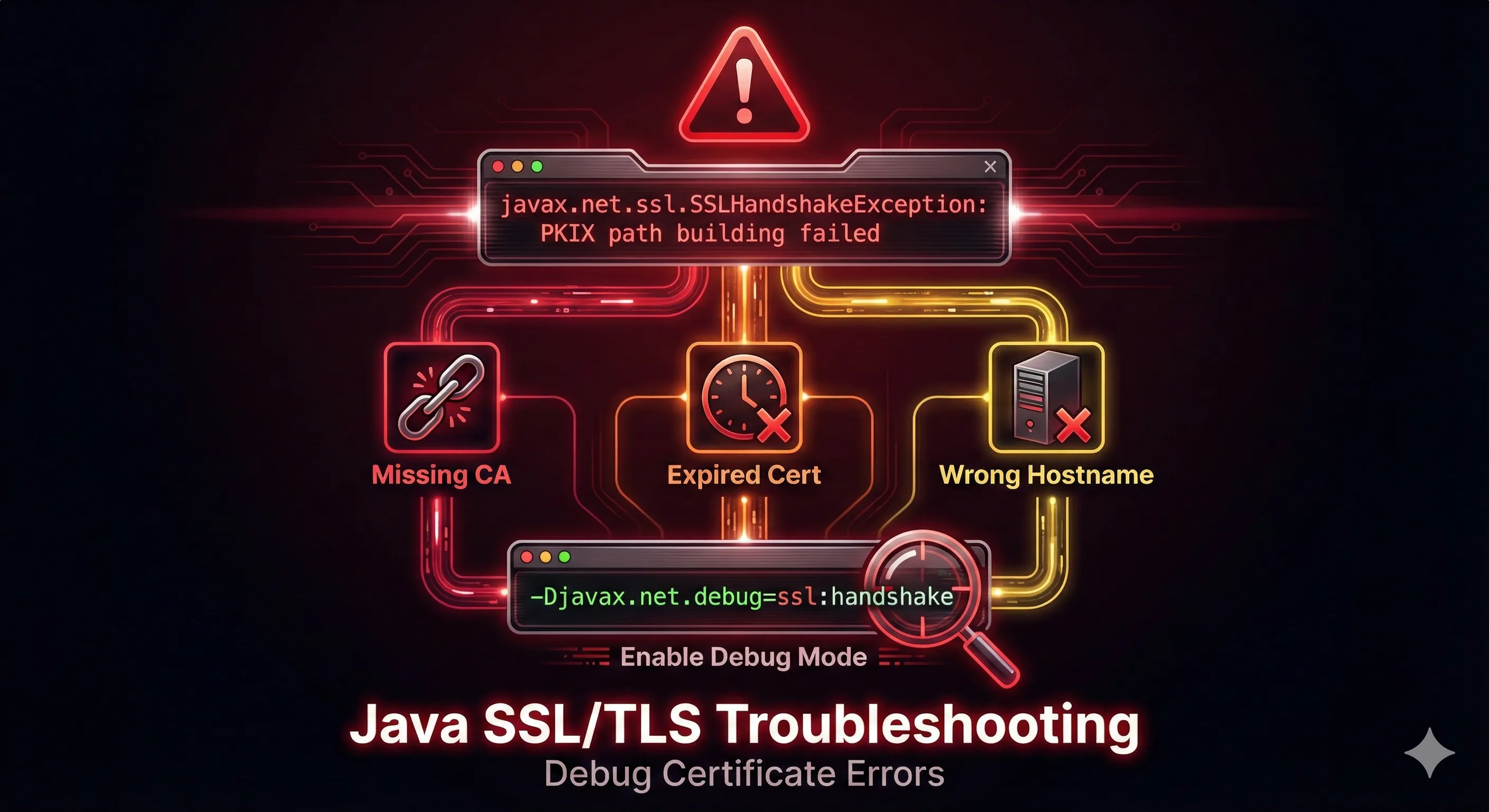
When debugging Java SSL, always start with -Djavax.net.debug=ssl:handshake. The output is verbose but tells you exactly which cert failed validation and why. Look for 'FAILED' in the output.
Select Error Scenario:
Step 0 of 4
PKIX Path Building Failed
Error Message:
sun.security.validator.ValidatorException: PKIX path building failed: sun.security.provider.certpath.SunCertPathBuilderException: unable to find valid certification path to requested target
Click "Debug" to diagnose this error
Essential Debug Commands
Full SSL Debug
$ java -Djavax.net.debug=ssl:handshake -jar app.jarCheck Server Certificate
$ openssl s_client -connect host:443 -showcertsDebug Output Cheat Sheet
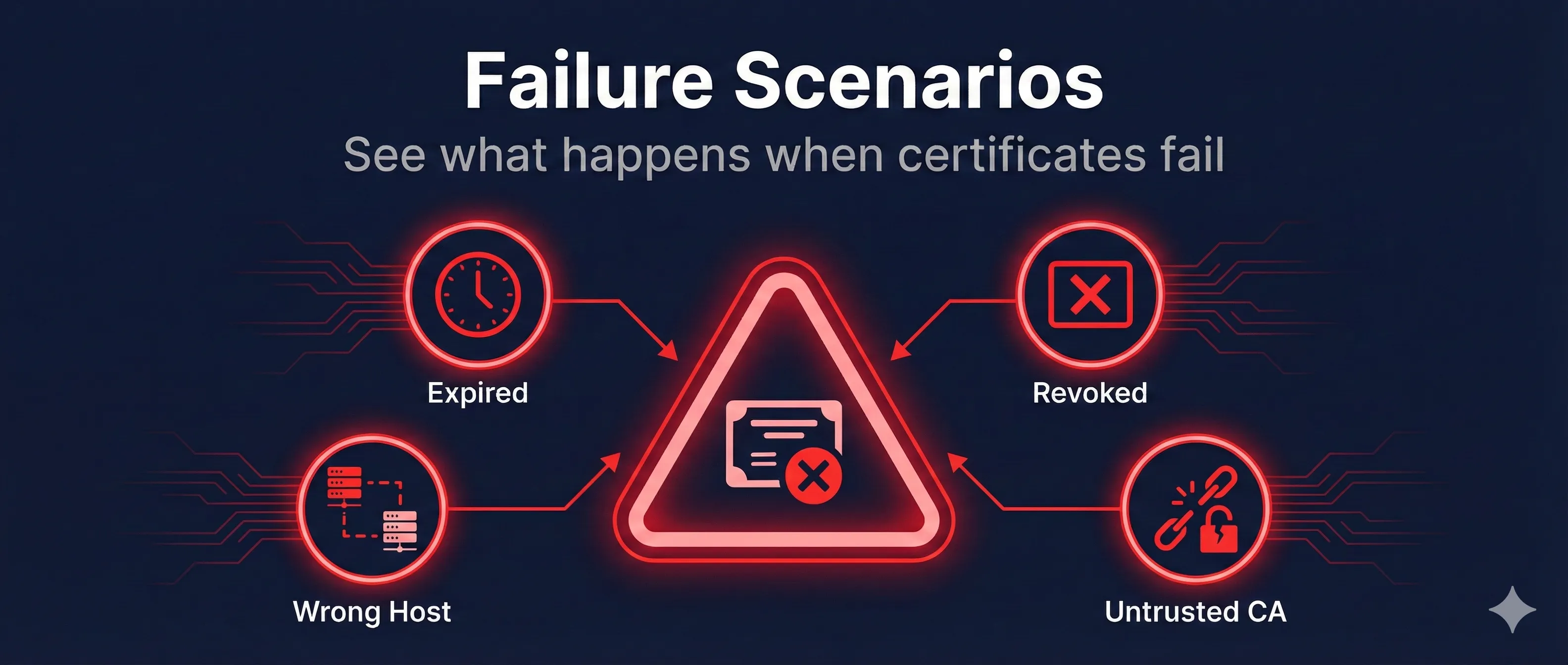
"PKIX path building failed"CA not trusted - add to truststore
"validity check failed"Certificate expired - renew it
"No subject alternative names"Hostname mismatch - check SANs
"handshake_failure"Protocol/cipher mismatch - check TLS version