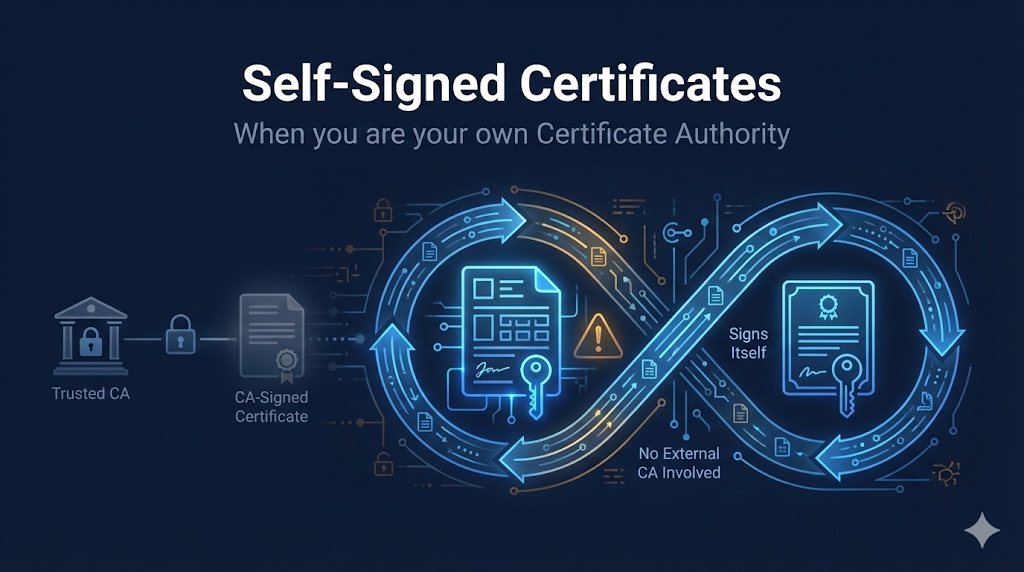
Self-Signed vs CA-Signed Certificates
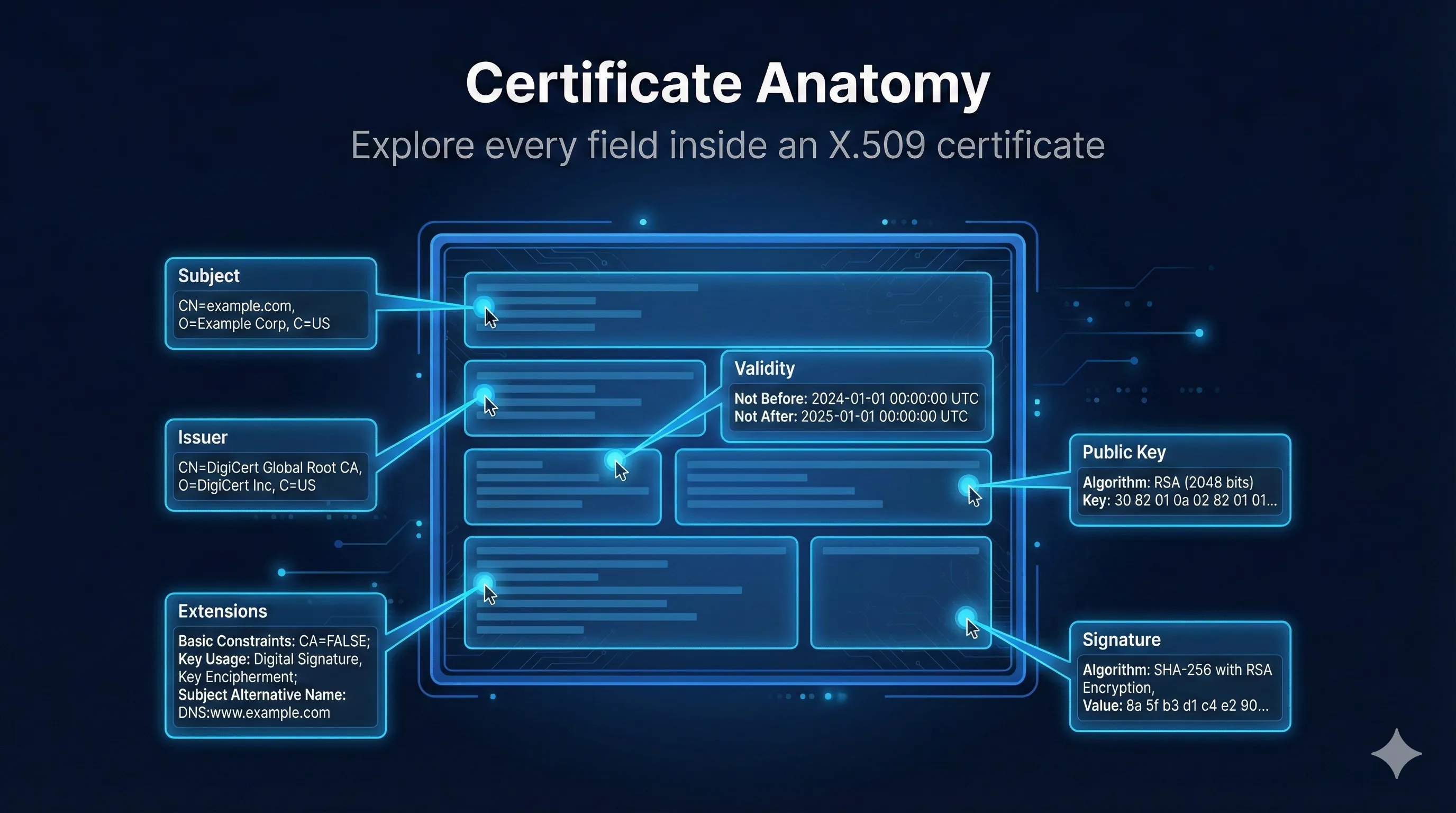
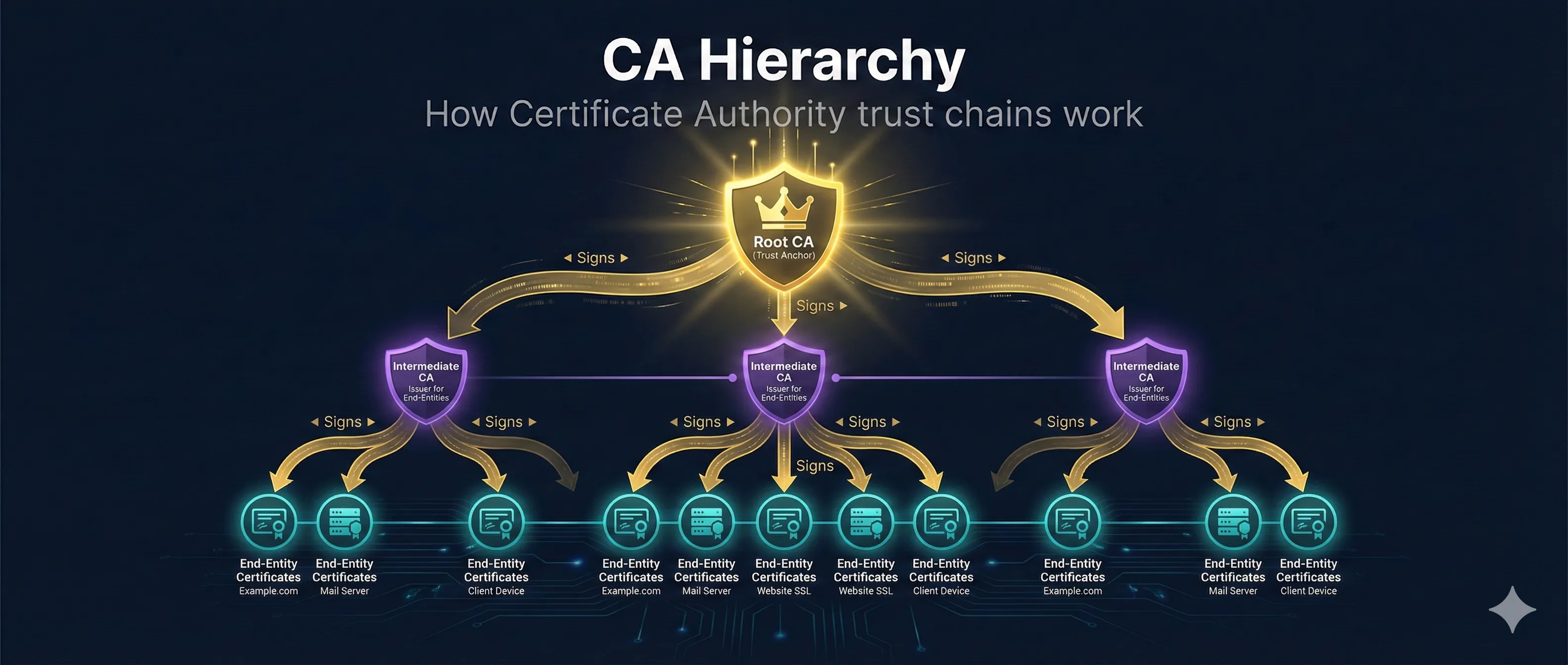
CA-Signed Certificate
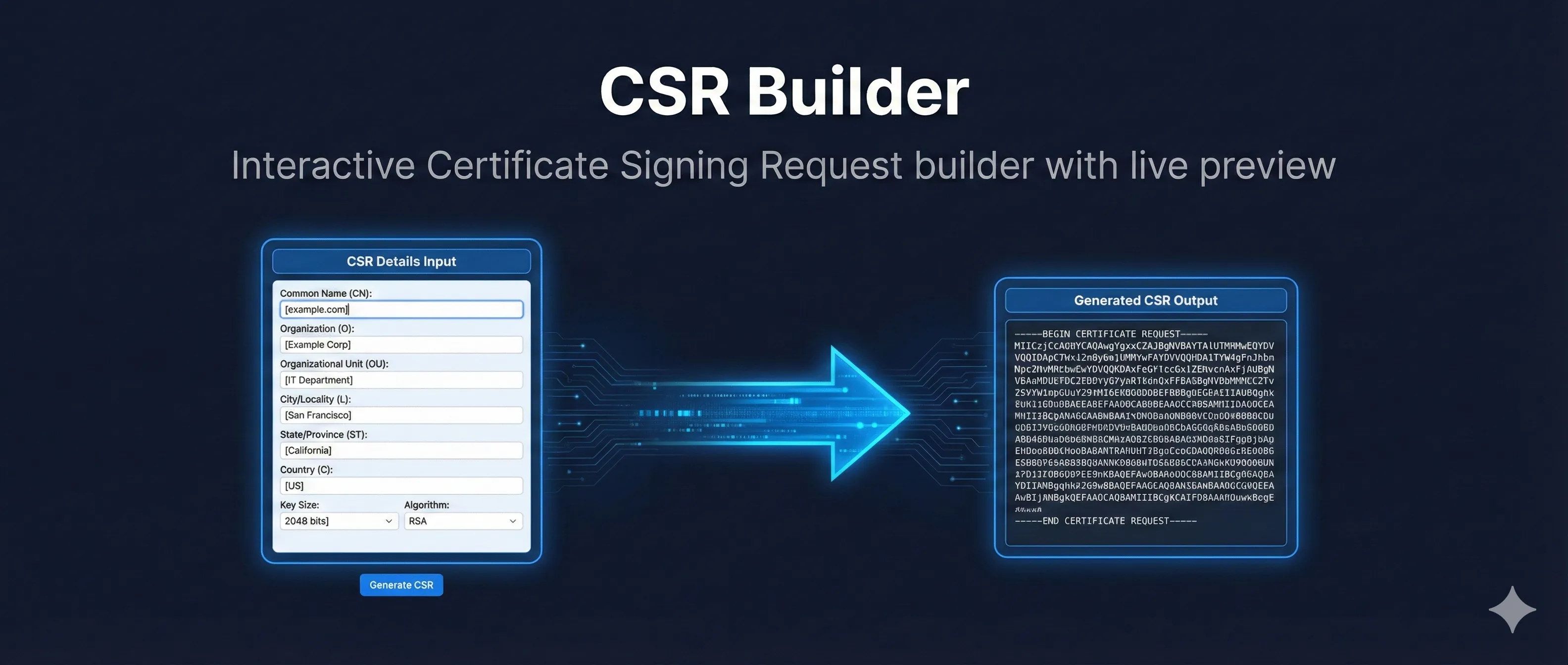
Self-Signed Certificate
When to Use Self-Signed Certificates
Good Use Cases
localhost, 127.0.0.1, dev servers
QA environments, staging servers
Isolated test networks
Understanding TLS/certificates
Devices never exposed to internet
Networks with no internet access
With manual trust distribution
Never Use For
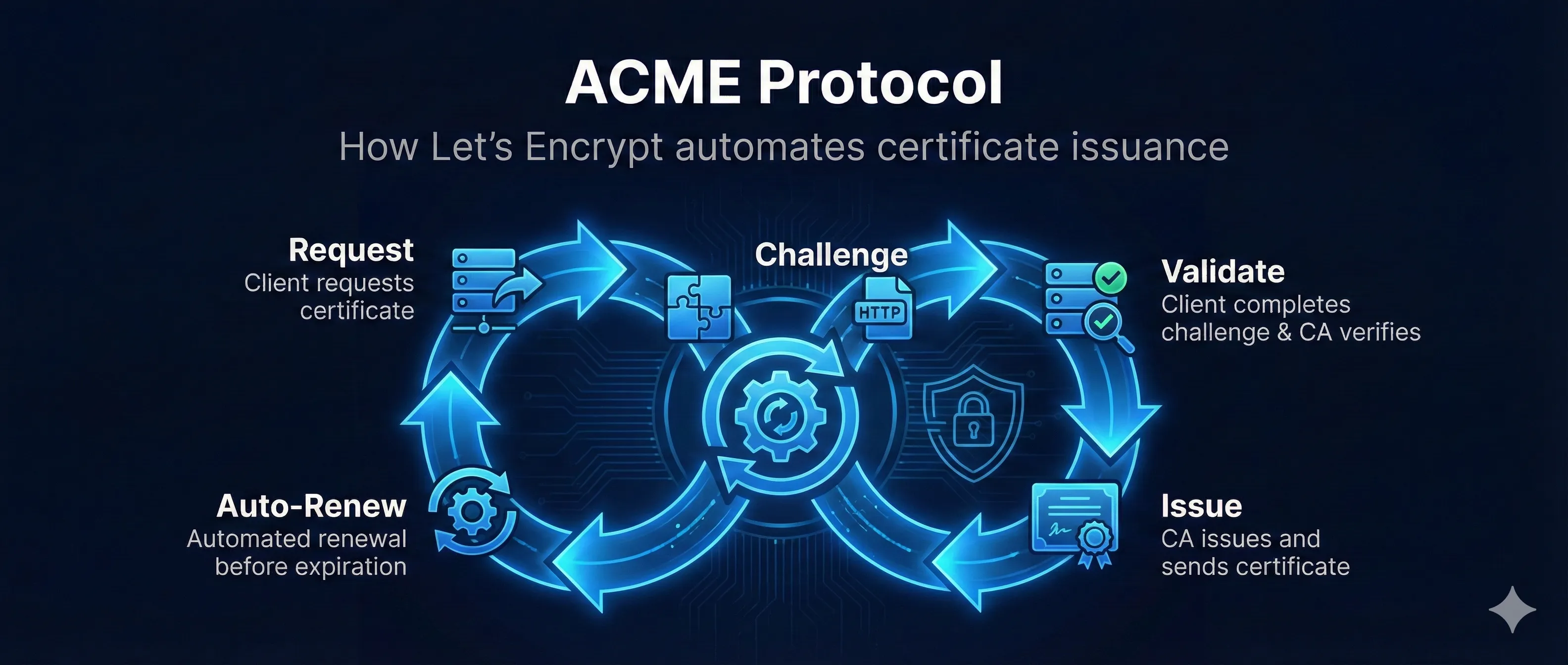
Use Let's Encrypt instead (free!)
Customers can't trust your cert
Payment processors require CA certs
Users see scary warnings
Certificate pinning is better
Self-Signed vs Let's Encrypt
| Aspect | Self-Signed | Let's Encrypt |
|---|---|---|
| Cost | Free | Free |
| Browser Trust | Manual setup | Automatic |
| Setup Time | Instant | Minutes |
| Works on localhost | Yes | No |
| Works offline | Yes | No |
| Renewal | Manual | Auto (90 days) |
| Public websites | Never | Yes |
| Domain required | No | Yes |
Bottom Line: Use Let's Encrypt for anything public-facing. Use self-signed only for local development and internal/isolated environments.
Browser Warnings (Expected!)
NET::ERR_CERT_AUTHORITY_INVALID
This warning is expected and correct for self-signed certificates. The browser is warning users that no trusted CA vouched for this certificate. For development, you can proceed anyway or add the cert to your system trust store.