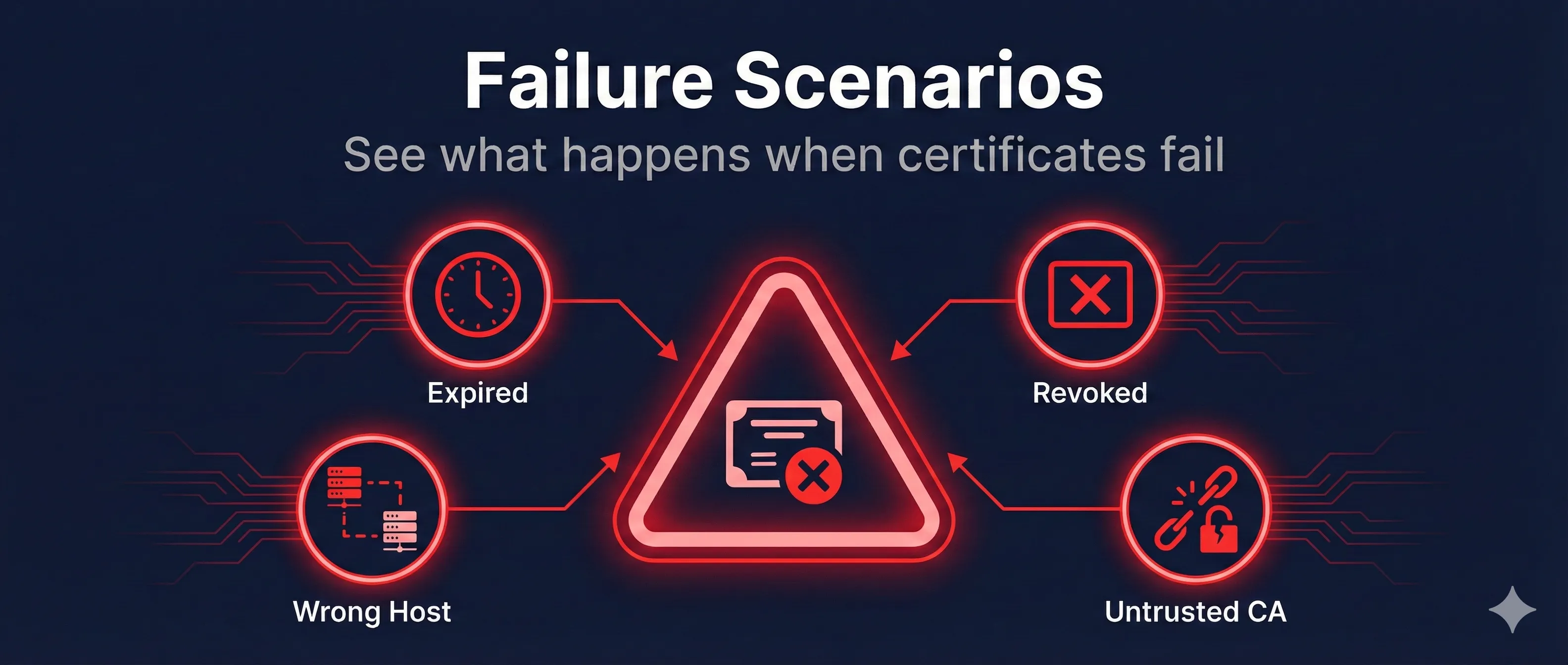
Quick Answer: Common Certificate Failures
Most certificate errors are preventable with proper monitoring and automation. Let's Encrypt + certbot handles 90% of certificate management automatically.
Expired Certificates
The most common certificate failure. Every certificate has a validity period (typically 90 days to 1 year). When this period ends, browsers reject the certificate completely.
What Users See
- Chrome: "NET::ERR_CERT_DATE_INVALID"
- Firefox: "SEC_ERROR_EXPIRED_CERTIFICATE"
- Safari: "This Connection Is Not Private"
How to Check Expiration
# Check certificate expiration date
openssl s_client -connect example.com:443 2>/dev/null | \
  openssl x509 -noout -dates

# Output:
# notBefore=Jan  1 00:00:00 2024 GMT
# notAfter=Apr  1 00:00:00 2024 GMT
Prevention
- Use automated renewal with Let's Encrypt/certbot
- Set up certificate monitoring alerts (30, 14, 7 days before expiry)
- Use Certificate Transparency monitoring
Revoked Certificates
Revocation occurs when a certificate is invalidated before its expiration date, usually due to key compromise, mis-issuance, or because the certificate is no longer needed.
Reasons for Revocation
How Browsers Check Revocation
Browsers use CRL (Certificate Revocation Lists) or OCSP (Online Certificate Status Protocol) to check if a certificate has been revoked. OCSP Stapling is the modern, efficient approach.
# Check OCSP status
openssl s_client -connect example.com:443 -status 2>/dev/null | \
  grep -A 5 "OCSP Response"

# Check CRL
openssl x509 -in cert.pem -noout -text | grep -A 2 "CRL Distribution"
Certificate Name Mismatch
This error occurs when the domain you're visiting doesn't match any name in the certificate's Common Name (CN) or Subject Alternative Names (SANs).
Common Causes
Check Certificate Names
# View all names in certificate
openssl s_client -connect example.com:443 2>/dev/null | \
  openssl x509 -noout -text | \
  grep -A 1 "Subject Alternative Name"

# Output:
# X509v3 Subject Alternative Name:
#     DNS:example.com, DNS:www.example.com, DNS:api.example.com
Chain Validation Failures
Certificate chain errors occur when the browser cannot build a trust path from your certificate to a trusted Root CA.
Common Chain Errors
Verify Certificate Chain
# Check full certificate chain
openssl s_client -connect example.com:443 -showcerts 2>/dev/null | \
  grep -E "(Certificate chain|s:|i:)"

# Verify chain is complete
openssl verify -CAfile ca-bundle.crt -untrusted intermediate.crt server.crt
Quick Fix
Concatenate your certificate with intermediate CA: cat server.crt intermediate.crt > fullchain.crt
Man-in-the-Middle (MITM) Attacks
In a MITM attack, an attacker intercepts traffic and presents their own certificate. If successful, they can read and modify all encrypted traffic.
Warning Signs of MITM
- • Unexpected certificate warnings on trusted sites
- • Certificate issuer you don't recognize
- • Certificate issued by corporate proxy
- • Public WiFi presenting different certificates
How MITM Works
- 1. Attacker positions between you and server (ARP spoofing, DNS hijack, rogue WiFi)
- 2. Attacker generates fake certificate for the target domain
- 3. Your browser connects to attacker, attacker connects to real server
- 4. Attacker decrypts, reads/modifies, re-encrypts all traffic
Protections
- Certificate Transparency: All certs logged publicly
- HSTS: Forces HTTPS, prevents downgrade attacks
- Certificate Pinning: Mobile apps only accept specific certs
Self-Signed Certificate Errors
Self-signed certificates are not signed by a trusted CA. They're useful for testing but should never be used in production for public-facing services.
When Self-Signed Is Acceptable
Generate Self-Signed for Testing
# Generate self-signed certificate (for testing only!)
openssl req -x509 -newkey rsa:4096 \
  -keyout key.pem -out cert.pem \
  -days 365 -nodes \
  -subj "/CN=localhost"
Troubleshooting Commands
Essential OpenSSL commands for diagnosing certificate problems.
Full Connection Test
# Complete TLS connection with verbose output
openssl s_client -connect example.com:443 \
  -servername example.com -status -tlsextdebug
Check All Certificate Details
# Download and examine certificate
echo | openssl s_client -connect example.com:443 2>/dev/null | \
  openssl x509 -noout -text
Test Specific TLS Version
# Test TLS 1.2 specifically
openssl s_client -connect example.com:443 -tls1_2

# Test TLS 1.3 specifically
openssl s_client -connect example.com:443 -tls1_3
Frequently Asked Questions
Why do expired certificates still work on some devices?
Some older devices or systems may have outdated certificate checks or users can bypass warnings. This is dangerous and should never be relied upon.
Can I ignore certificate errors for testing?
In development only, with tools like curl -k or browser flags. Never in production or with sensitive data.
How quickly do browsers check for revocation?
OCSP checks happen in real-time but may be cached. CRLs are downloaded periodically. Some browsers use OCSP Stapling for faster checks.
What's the 'Your connection is not private' error?
This generic message covers multiple issues: expired certs, name mismatches, untrusted issuers, or potential MITM attacks. Check the error code for specifics.
How do I know if I'm being MITM attacked?
Compare certificate fingerprints from different networks/devices. Use Certificate Transparency logs to see all issued certificates for your domain.
See Certificate Failures in Action
Watch interactive demos of each failure scenario
Related Resources
Certificate Error Decoder
Decode and understand browser certificate error codes
Chain Builder Guide
Fix certificate chain validation errors and missing intermediates
Name Mismatch Guide
Troubleshoot certificate name and SAN mismatch errors
Certificate Revocation Guide
Understand CRL, OCSP, and OCSP Stapling mechanisms
SSL Diagnostic Troubleshooter
Systematic approach to diagnosing SSL/TLS connection issues